Loading...
Turn any black and white photo into a natural color image with AI — free, online, in seconds.
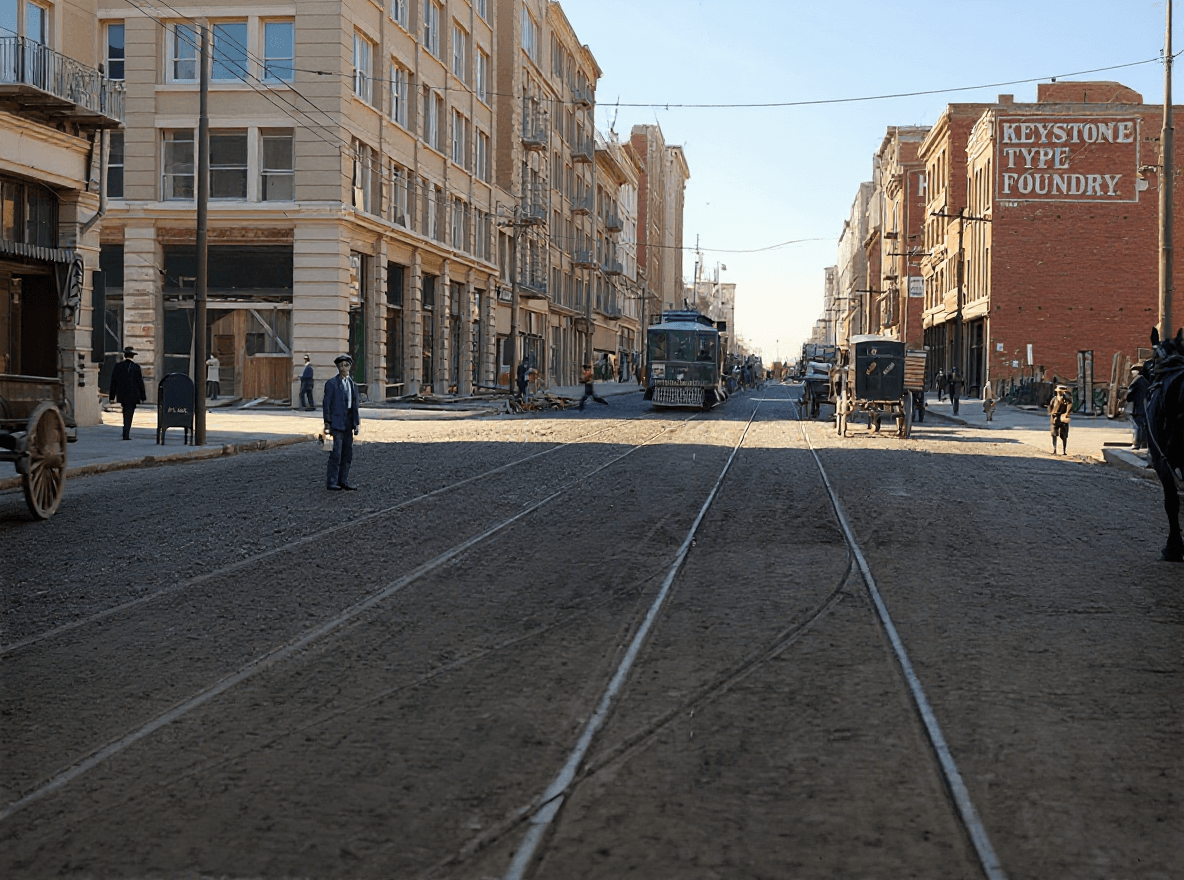

The converter handles anything from crisp modern monochrome shots to scanned prints from a century ago: family portraits, wedding photos, military and historical pictures, street scenes, and landscapes. For faded or damaged prints, try the "Restore & Colorize" model, which repairs the image while adding color — or read our guide to colorizing old photos.
Not sure where to start? See the step-by-step walkthrough in how to colorize a black and white photo, or go the other way with the color to black and white converter.
Upload your black and white photo using the tool above, click "Colorize Photo", and the AI analyzes the image to predict realistic colors for skin, clothing, sky, foliage, and everything else in the scene. The color version is ready to download in seconds.
Yes. You can convert black and white photos to color for free, without creating an account, and the result has no watermark.
The AI models were trained on millions of color photographs, so they learn how the world is usually colored — skin tones, sky, grass, wood, fabric. When you upload a black and white image, the model recognizes the objects in it and predicts the most plausible colors for each region.
The AI predicts realistic, natural-looking colors, but it cannot know the true original color of a specific dress or car. For most photos the result is very convincing; for historically significant images treat the colors as a plausible reconstruction rather than a documentary record.
JPG, PNG, GIF, and WebP files up to 20MB are supported. You can download the colorized result as JPG or PNG.
Yes — we also have a free color to black and white converter that works in the opposite direction, right in your browser.