How to Colorize a Black and White Photo
There are three real ways to add color to a black and white photo: let an AI do it in seconds, paint it by hand in Photoshop, or use a mobile app. Here is how each works, and when to pick which.
Method 1: AI colorization (fastest, free)
This is the method to use unless you need frame-by-frame artistic control. An AI model trained on millions of color photographs recognizes what is in your image — skin, hair, sky, brick, grass, fabric — and predicts natural colors for each region.
- Digitize the photo. If the photo is a print, scan it at 600 DPI or photograph it straight-on in bright, even light without flash. If it is already a digital file (JPG, PNG, GIF, or WebP up to 20MB), you are ready.
- Upload it to the colorizer. Open the colorize.photo tool, choose "Upload your own", and drag your black and white photo in. No account is needed to upload.
- Pick a model and colorize. Keep the default model for clean images — it is free and needs no account. For old, faded, or scratched prints, "Restore & Colorize" does better; it needs a free account and uses one credit. Click "Colorize Photo" — the AI takes a few seconds.
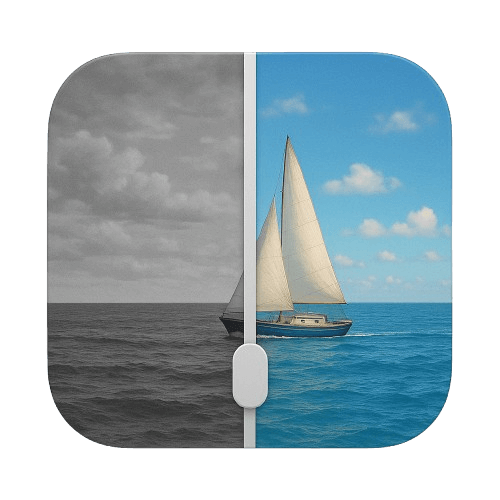
- Compare and download. Use the before/after slider to check the result, then download the full-resolution color image. There is no watermark. If a color looks off, run it again — the free model has no limit.
Method 2: Manual colorization in Photoshop
The traditional digital method: create a new layer set to the Color blend mode, select each region of the photo (skin, clothing, background) with the selection tools, and paint over it with a brush at low opacity. Skin usually needs two or three layered tones to look alive, and every material needs its own layer if you want to adjust it later.
Expect several hours for a single portrait and real skill with masks and blend modes. The upside is total control — if you know the dress was blue, you can make it exactly that blue. A common middle path is to run AI colorization first, then fix individual colors in Photoshop on top.
Method 3: Mobile apps
Various phone apps colorize photos, and behind the scenes they use the same kind of AI as method 1 — usually with a subscription, a watermark on the free tier, or reduced output resolution. Since colorize.photo runs in the browser, it works on iPhone and Android without installing anything: open the site, upload from your camera roll, download the result.
Which method should you use?
- Family photos, old prints, quick results: AI colorization. See the old photo guide for scanning tips.
- Historically documented colors, artistic control: Photoshop, or AI first with manual correction after.
- On your phone: the browser tool — no app install, no watermark, free.