Loading...
Add natural colour to black and white photographs — free, online, no watermark.
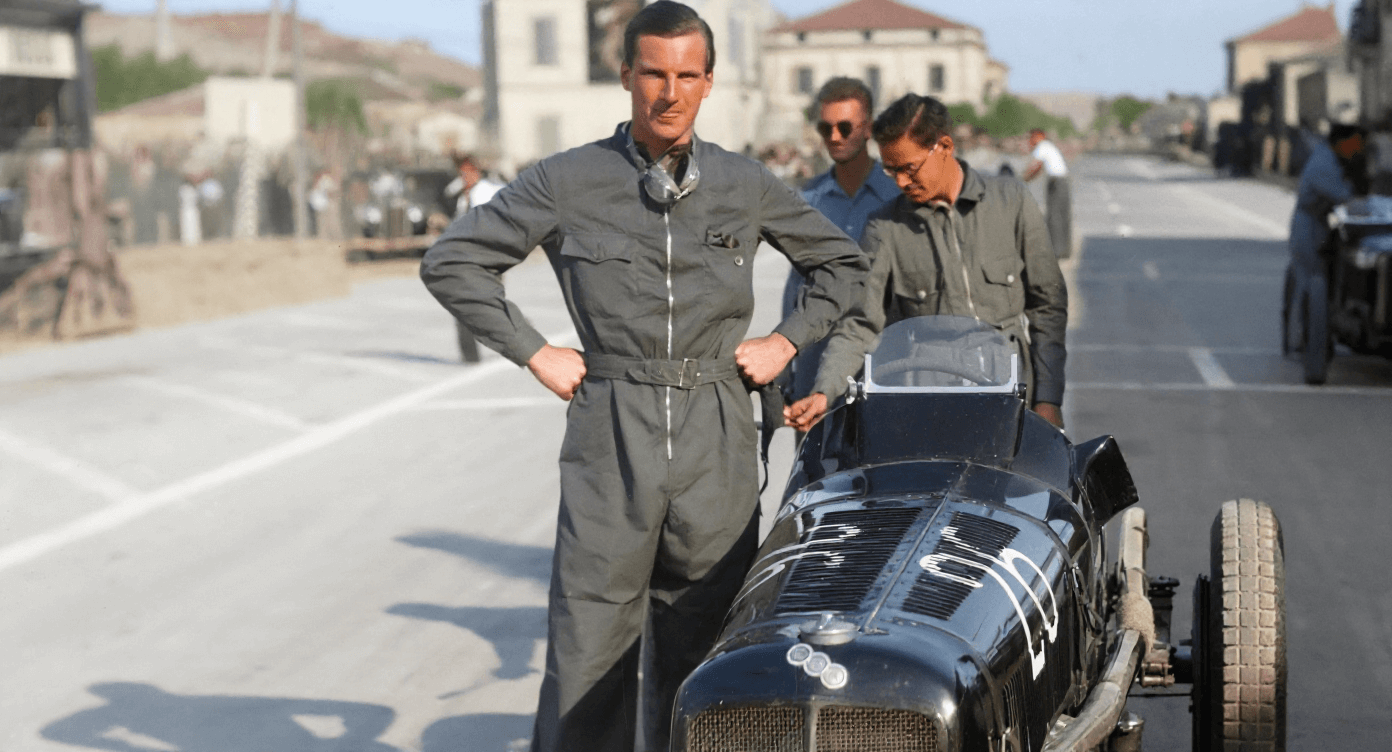
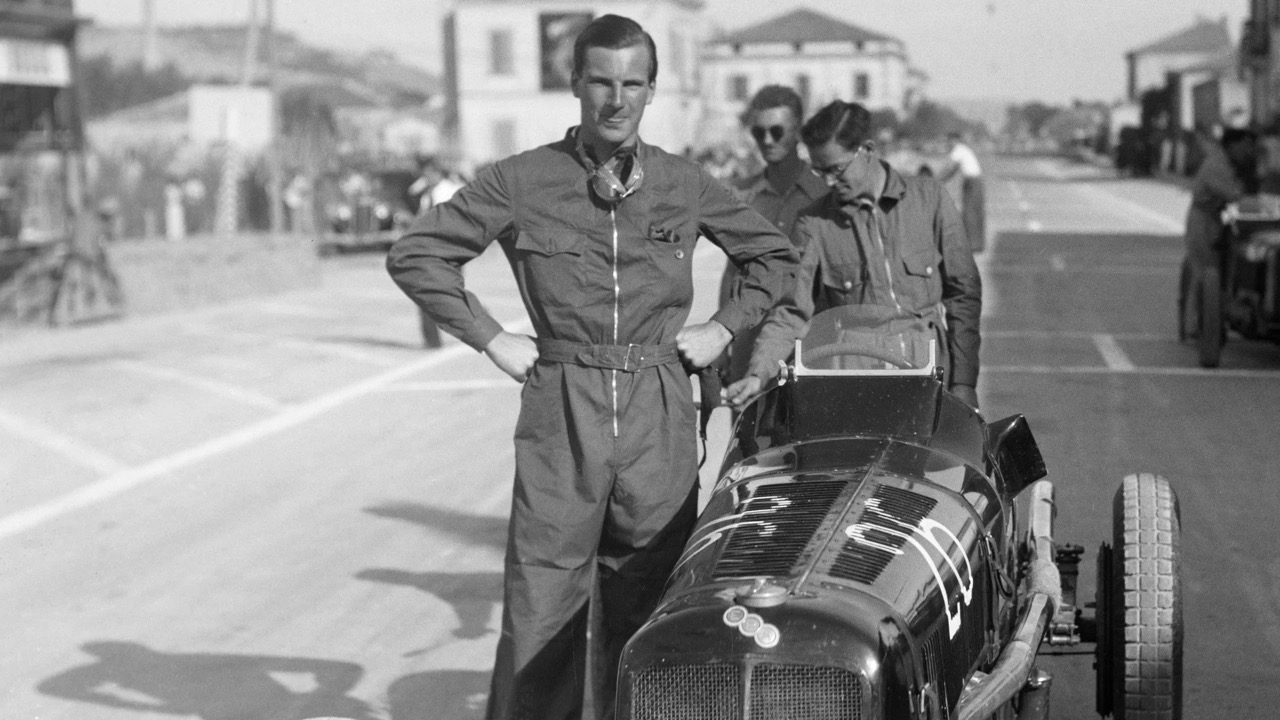
Colourising a photograph by hand takes hours of careful masking and colour selection. Our AI does the same job automatically: it recognises skin, hair, clothing, sky, brick, foliage, and hundreds of other materials, then applies colours that look the way the scene would have looked to the eye. Upload a black and white photo above, click once, and compare the before and after with the slider.
It works on scanned prints, old family albums, wartime photographs, and modern monochrome shots alike. Everything runs in your browser against our servers — there is nothing to install, and the finished image downloads at full resolution with no watermark.
Want the step-by-step version? Read how to colourise a black and white photo, or see our dedicated old photo colourisation guide for restoring family pictures.
Upload your black and white photo using the tool above and click "Colorize Photo". The AI recognises the people, objects, and scenery in the image and adds natural, realistic colour automatically. The colourised version is ready to download in seconds.
Yes. Photo colourisation is free, there is no watermark on the result, and you do not need to create an account.
Colourisation is the process of adding colour to a black and white, sepia, or greyscale photograph. It used to be done by hand with paint or in Photoshop over many hours — AI colourisation now produces a naturally coloured image automatically in seconds.
Yes — old family portraits are one of the most common uses. Scan or photograph the print, upload it, and the AI adds colour. For faded or damaged prints, choose the "Restore & Colorize" model, which repairs the image as it colourises.
They are the same thing: "colourise" and "colourize" are the British and Commonwealth spellings, "colorize" is the American spelling. The tool is identical whichever way you spell it.